
Your data stays with you
File inspection runs on your device. Your seismic files are not uploaded to a server, and you do not need to create an account.
SEGY/SEGD Explorer · Mobile
A file arrives. A question comes up. Get a closer look without opening a workstation. SEGY/SEGD Explorer puts seismic sections, trace headers and 3D stacks on your phone — so you can move from “What’s in this file?” to a clearer answer.
Store downloads are not available yet. App Store and Google Play links will appear here when released.
A closer look
A focused interface built for touch. Pick a file, move through your seismic section and inspect the details that matter.
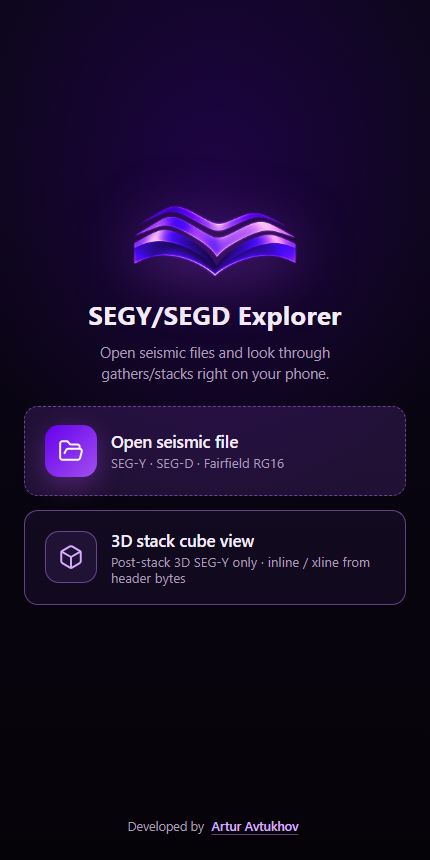
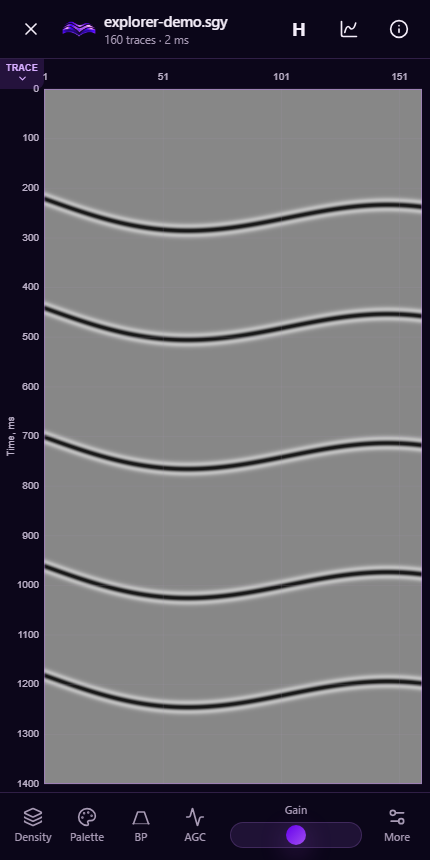
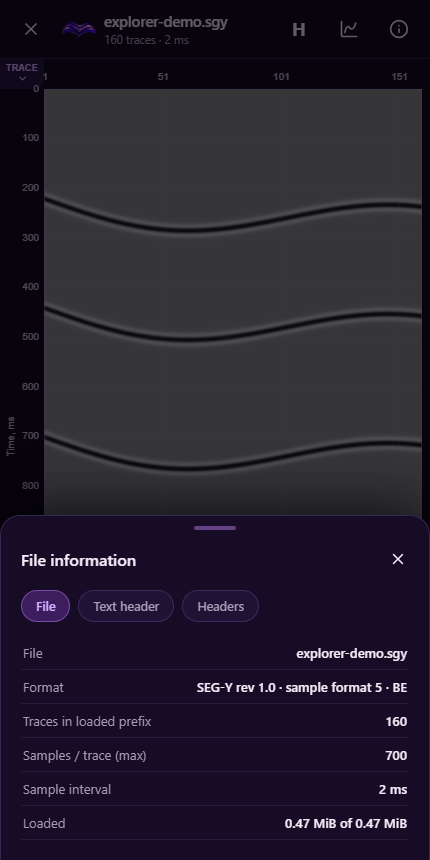
Actual application screens. The seismic example uses synthetic demonstration data.
Made for the moment you need it
File inspection runs on your device. Your seismic files are not uploaded to a server, and you do not need to create an account.
Explore post-stack SEG-Y volumes with inline, crossline and time slices. Rotate the cube and move through the volume using touch controls.
Inspect sample intervals and header values, review amplitude spectra and tune the display to reveal the character of your data.
For geophysicists checking a delivered file, field teams taking a first look at records, and students connecting header values to what a seismic section shows. Keep a practical file-inspection tool close at hand, wherever the next question comes up.
This is a mobile viewer and inspector. Available views depend on the file format and layout; device memory and supported file layouts determine how much data can be inspected.
Ask about Explorer ↗